
 DevPixel Engineering
Figma’s dominance over the past decade established a widespread workflow convention, yet it introduced two severe bottlenecks into modern software development: steep per-seat licensing costs and a fundamental friction between static mockups and production code. Engineers routinely struggle to translate vector frames into clean CSS tokens, while contemporary cloud-based AI UI generators lock enterprise workflows into proprietary silos, raising critical concerns over intellectual property privacy.
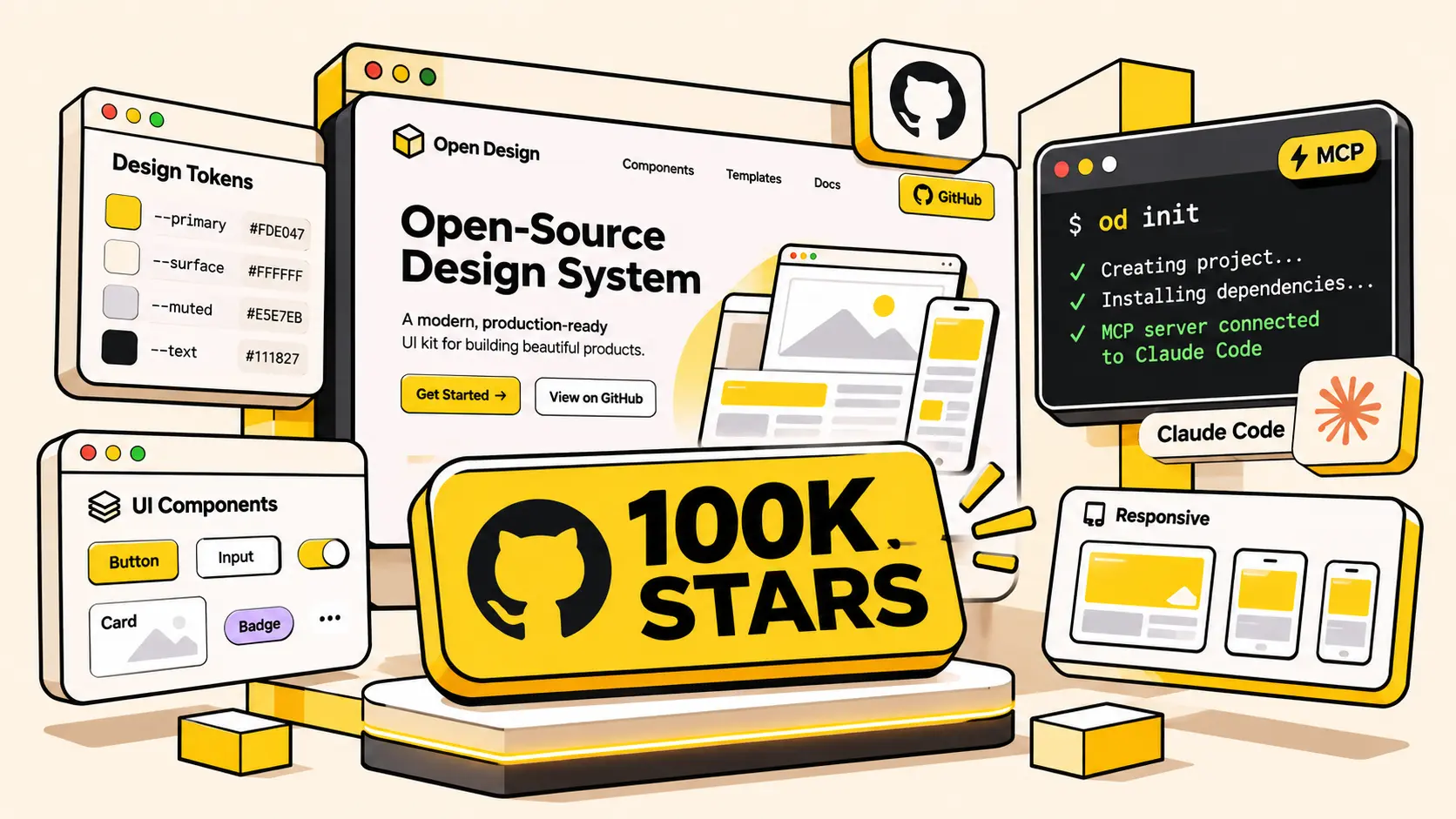
The rise of OpenDesign (developed by the nexu-io organization) — an open-source initiative that recently reached a landmark milestone of 104,000+ GitHub Stars — marks a transformative paradigm shift. As the first collaborative design workspace natively integrating AI coding agents like Claude Code and Cursor through a Local-First architecture, OpenDesign enables developers to turn natural language specifications into interactive prototypes, production-ready React code, and motion graphics within seconds.
OpenDesign consolidates the design lifecycle directly into local project repositories. Developers no longer need extensive Figma expertise to craft high-fidelity interfaces. Instead, they interact seamlessly with AI coding agents to produce accessible, standardized UI components that export directly into modular React and Next.js code.
1. Technical Deep Dive: Local-First Architecture and Data Sovereignty
The foundational distinction separating OpenDesign from commercial alternatives lies in its infrastructure philosophy. The system rests upon three rigorous architectural pillars:
- Full Data Sovereignty without Cloud Dependency: All workspace assets, design tokens, UI components, and prompt histories reside strictly on your local disk or enterprise intranet. No proprietary design mockups or source code are ever uploaded to third-party model trainers.
- Bring Your Own Key (BYOK) Flexibility: You maintain direct ownership of compute costs by supplying personal API keys for Anthropic, OpenAI, or Google Gemini, or by pointing directly to self-hosted local inference engines like Ollama and vLLM running DeepSeek R1 and Llama 3 models. You pay solely for actual token consumption with zero SaaS platform markups.
- Git-Native Version Control: Rather than relying on closed cloud revision histories with monthly recurring charges, interfaces in OpenDesign are defined as declarative code. Engineering teams manage design assets using standard Git branches, pull requests, peer reviews, and semantic version tagging.
By translating design systems into declarative local files, OpenDesign bridges the historical communication divide between designers and engineers, accelerating development cycles from ideation to production.
2. Orchestrating 26+ Coding Agents via the Model Context Protocol (MCP)
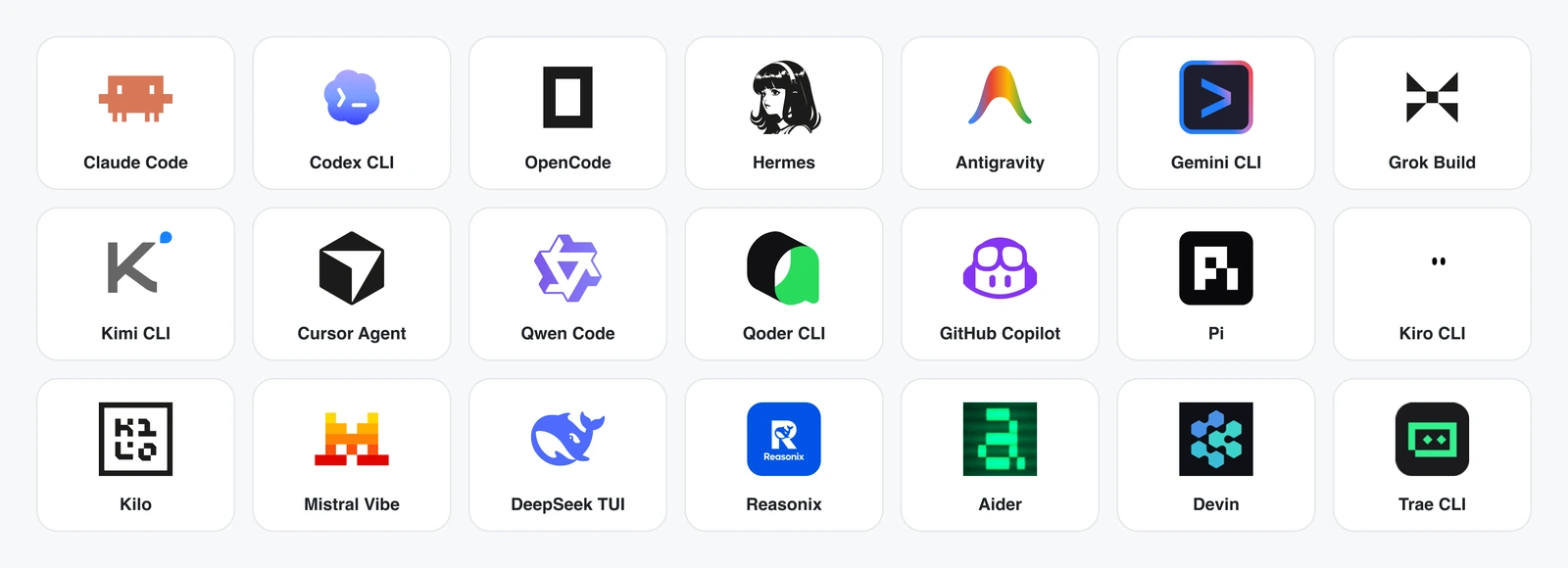
OpenDesign’s architectural versatility stems from its deep implementation of Anthropic’s open Model Context Protocol (MCP). Operating as an embedded MCP Server, it exposes dedicated workspace inspection and rendering tools directly to more than 26 leading AI coding assistants:
- Claude Code and Claude Desktop: Engineers issue prompt directives directly within the terminal CLI to scaffold responsive web components, which OpenDesign instantly compiles and previews.
- Cursor IDE and Windsurf: Agents analyze full project context and automatically reference OpenDesign tokens to generate pixel-accurate Tailwind CSS classes.
- Two-Way Real-Time Synchronization: Source file modifications trigger Hot Module Replacement (HMR) in OpenDesign’s isolated sandbox without resetting active UI state.
Configuring the OpenDesign MCP Server within your claude_desktop_config.json or local agent configuration requires minimal setup:
3. Enforcing Design Guardrails via DESIGN.md Tokens
To prevent AI agents from generating chaotic, unbranded layouts, OpenDesign utilizes declarative DESIGN.md specification files. This serves as the single source of truth for all visual tokens and layout constraints.
Below is a sample DESIGN.md file defining DevPixel’s signature Neo-Brutalist design system:
With these constraints explicitly codified, connected AI agents consistently deliver production-grade components that harmonize with your brand guidelines across dozens of screens.
4. The Creative Triumvirate: Studio, HyperFrames, and Deck Mode
OpenDesign expands far beyond static UI generation by integrating three specialized creative engines into a unified local workspace:
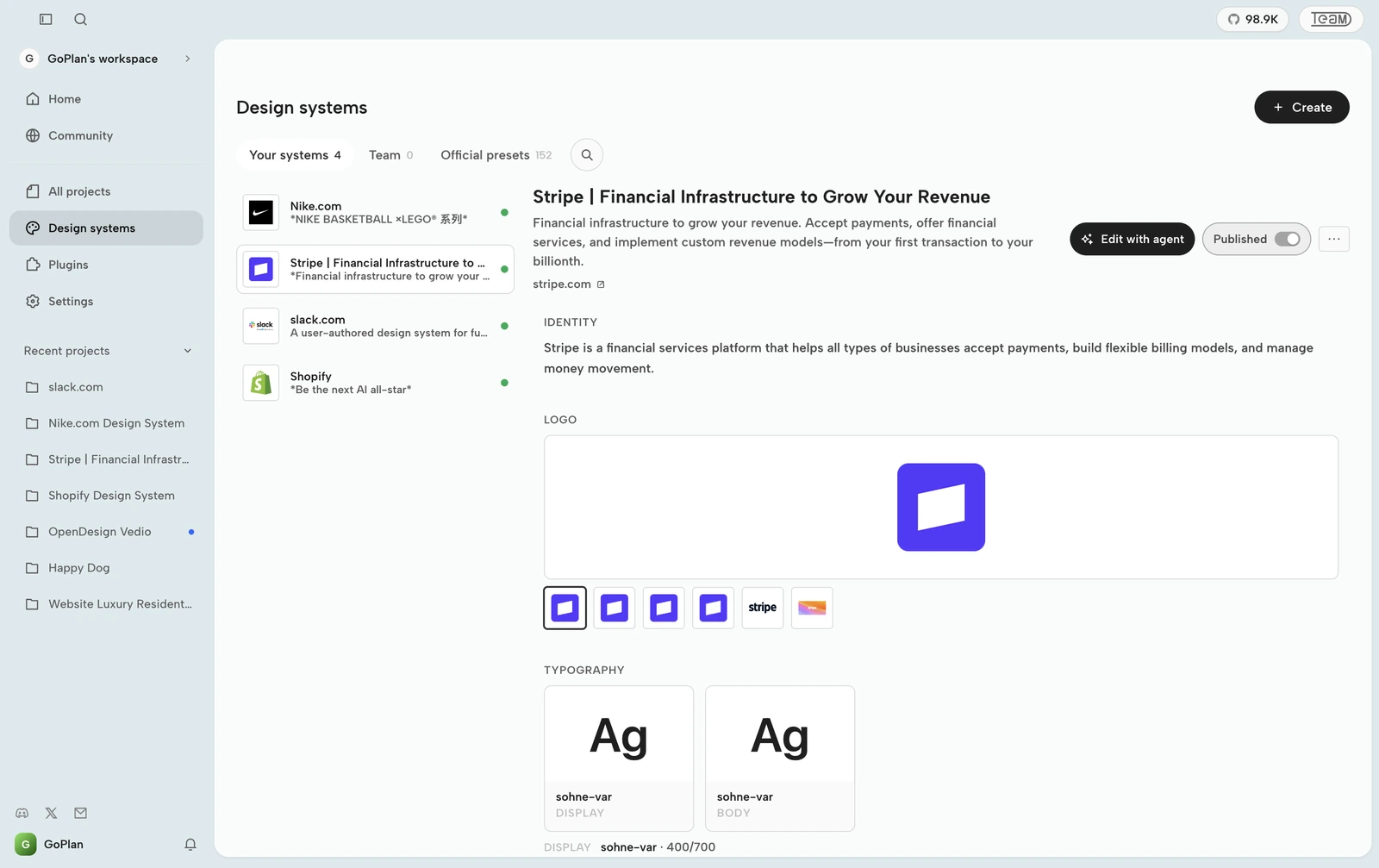
1. Studio Prototype (Interactive Living Mockups)
Engineers formulate UI requests in plain natural language. The system provisions an isolated sandbox, rendering live HTML, Tailwind CSS, and interactive JavaScript state. You can interact with forms, toggle theme states, and evaluate responsive behavior across mobile, tablet, and widescreen breakpoints, then export pristine React or Next.js code with a single click.
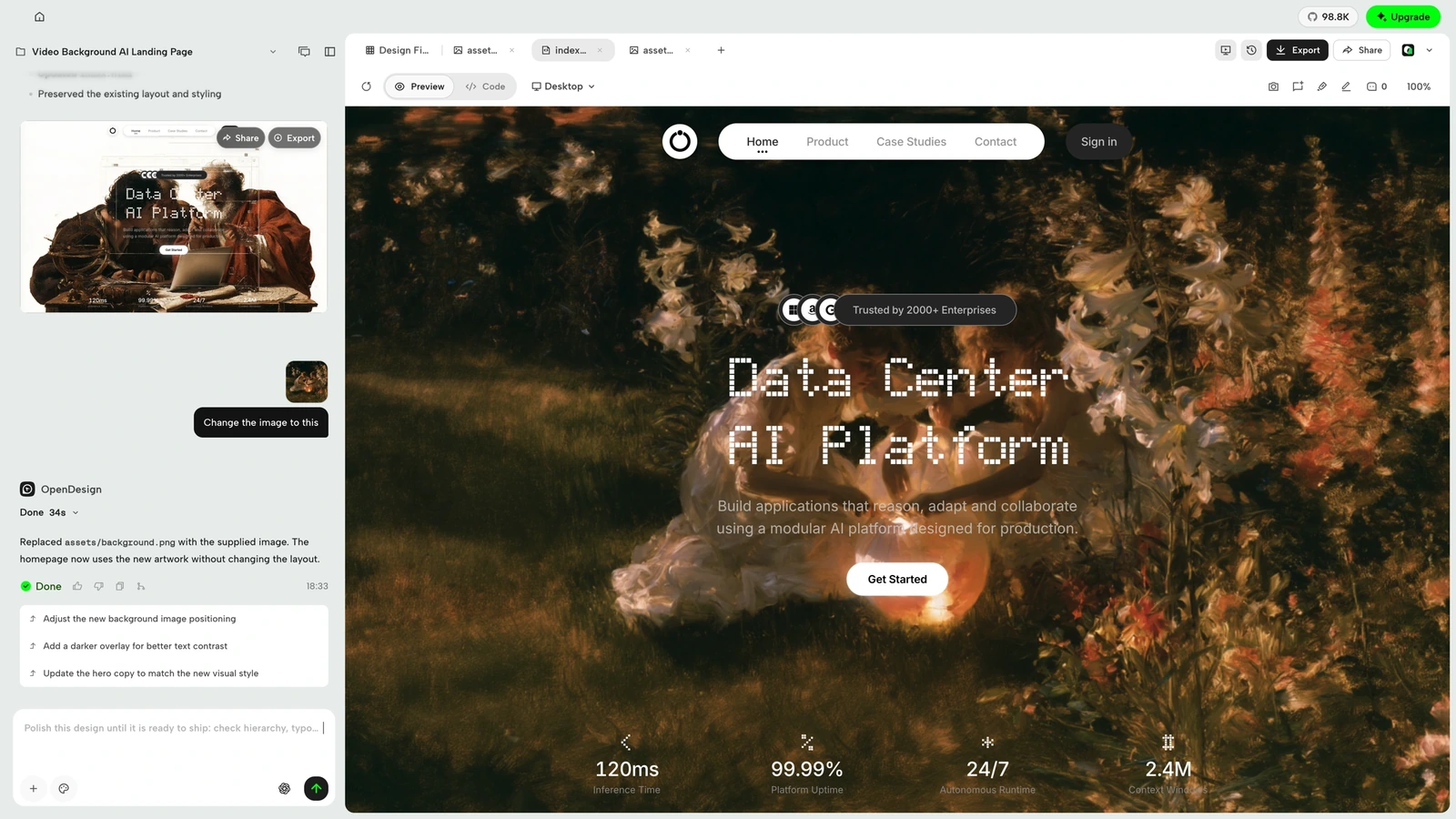
2. HyperFrames (Code-Driven Motion Graphics)
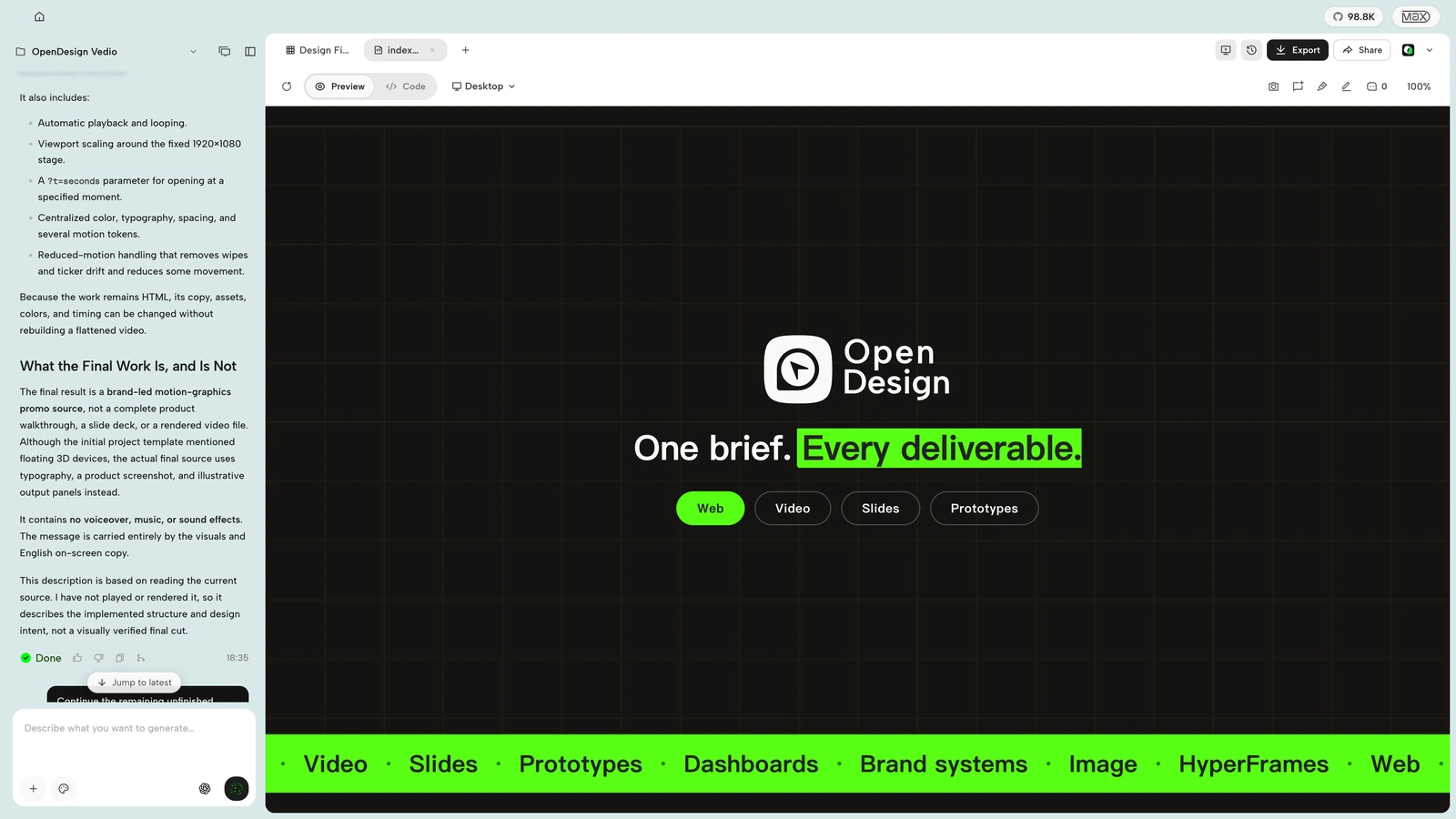
HyperFrames bridges the gap between development and video production. Using standard HTML, CSS, and GSAP animation curves, engineers produce marketing motion assets, feature launch clips, and animated data infographics. Its deterministic seekable timeline guarantees exact frame evaluation, exporting broadcast-quality MP4 or WebM video via headless Chromium without third-party editing suites.
3. Deck Mode (Swiss-Style Technical Decks)
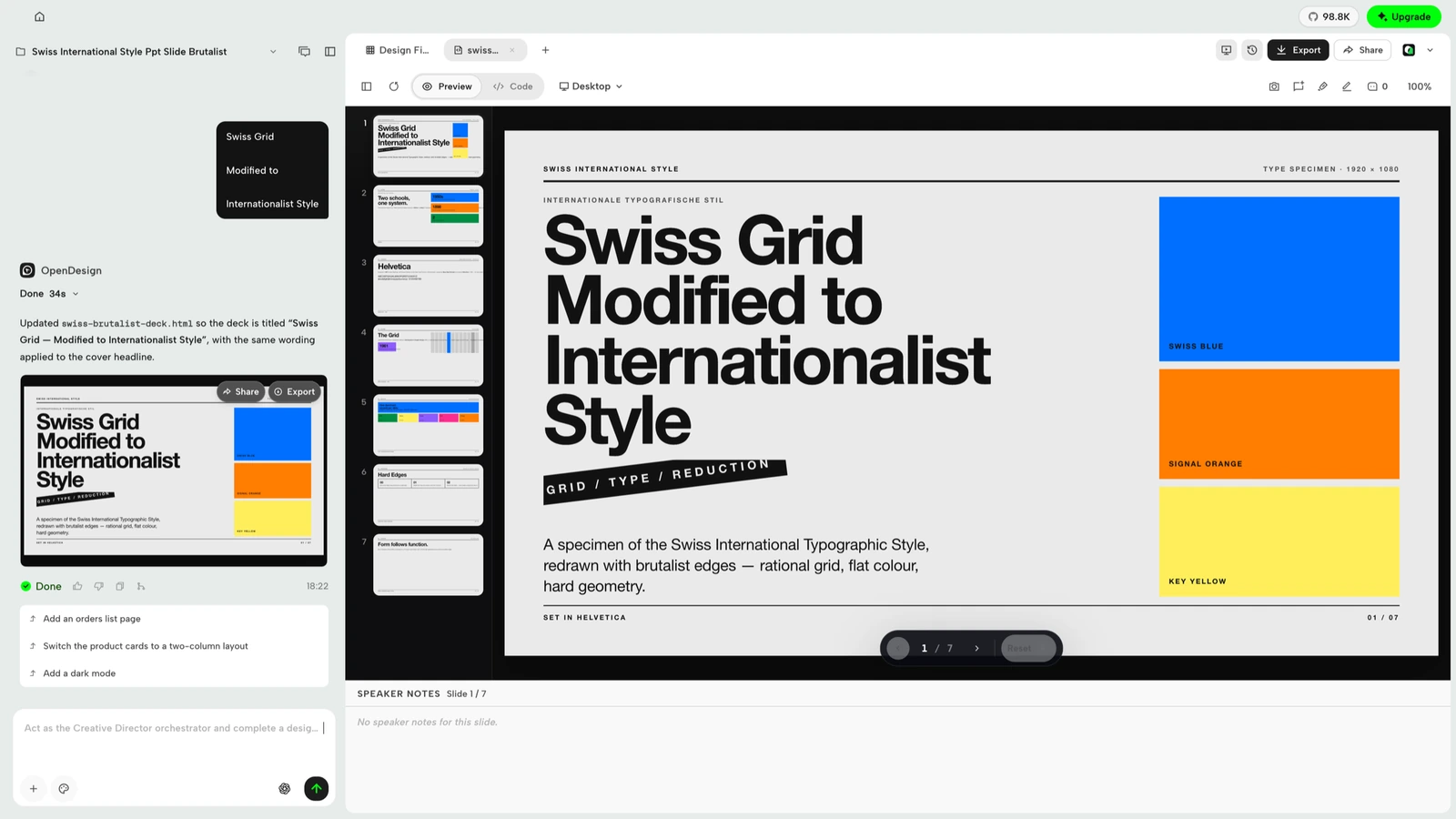
Crafting architecture presentations for stakeholders often drains engineering momentum. Deck Mode bundles 15 refined Swiss-grid 16:9 presentation templates. By supplying markdown outlines, the engine formats typography, calculates balanced whitespace, and exports crisp PDF and PowerPoint deliverables.
5. Direct Comparison: Figma, Cloud AI Generators, and OpenDesign
The comparative breakdown below highlights essential operational dimensions for modern engineering organizations:
| Dimension | Figma | Cloud AI Generators | OpenDesign |
|---|---|---|---|
| Architecture & Data Privacy | Closed proprietary cloud | Cloud-hosted, closed-source | 100% Local-First on disk |
| Licensing Cost | $12 to $75/seat/month | Expensive recurring tiers | Free, Bring Your Own Key |
| Code Export Quality | Fragmented CSS snippets | Monolithic, rigid components | Modular React & Next.js |
| Coding Agent Integration | Third-party plugin reliant | Vendor-locked chat agents | 26+ Agents via open MCP |
| Multimodal Output | Static vectors only | Web & mobile app screens | Interactive Web, MP4, PDF |
6. Step-by-Step Installation and Quickstart Guide
You can initialize an OpenDesign workspace locally using straightforward terminal commands:
Step 1: Global CLI Installation and Workspace Setup
Step 2: Automated Agent MCP Connection
Execute the automated installer to link the OpenDesign MCP Server with your preferred AI coding environment:
Following setup, you can open your Claude Code terminal and prompt: “Build an administrative analytics dashboard adhering to the Stripe design system bundled in OpenDesign”, and the rendered interface will appear instantly in your browser.
7. Frequently Asked Questions (FAQ)
Conclusion
Reaching 100,000 GitHub Stars represents more than an impressive open-source milestone — it reflects a broader industry movement: returning design autonomy to software engineers through the intelligence of AI. By uniting a Local-First architecture, open MCP interoperability, and code-native design tokens, OpenDesign eliminates thousands of dollars in licensing friction while securing enterprise intellectual property. Explore OpenDesign today to experience the next evolution in software product craftsmanship!
Chưa có bình luận nào. Hãy là người đầu tiên chia sẻ góc nhìn!